Open your settings
Safety and privacy controls live together in one place.
Younger accounts start with stricter privacy, messaging and content defaults instead of having to find them.
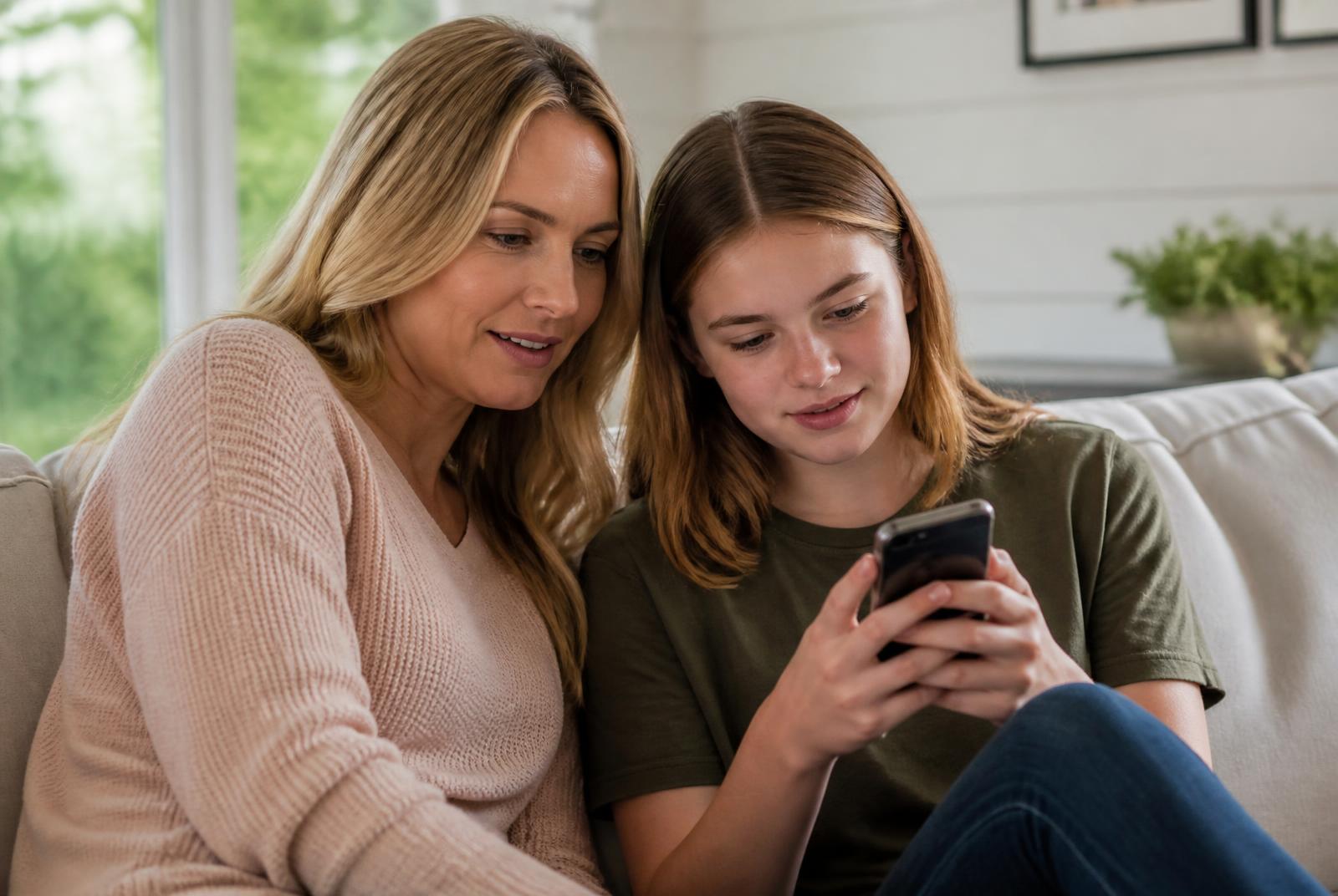
Defaults suited to younger users.
Private-by-default younger accounts
Restricted messaging from strangers
Age-appropriate content filtering
Limited discoverability
Safety and privacy controls live together in one place.
Pick who can reach you and what you'd rather not see.
Block, mute or report in a couple of taps.
Change your mind whenever you like — nothing is locked in.
No settings safari before the first post.
Filters applied automatically.
Strangers can't message younger accounts freely.
Controls, reporting and defaults that put people first.